How do I change my information or reset my password?
Last updated: August 13, 2025
You can update your account details or reset your password directly from within Horizons.
Updating Your Profile Information
Click the person icon in the top right corner of the header bar.
Select My Account from the dropdown menu.
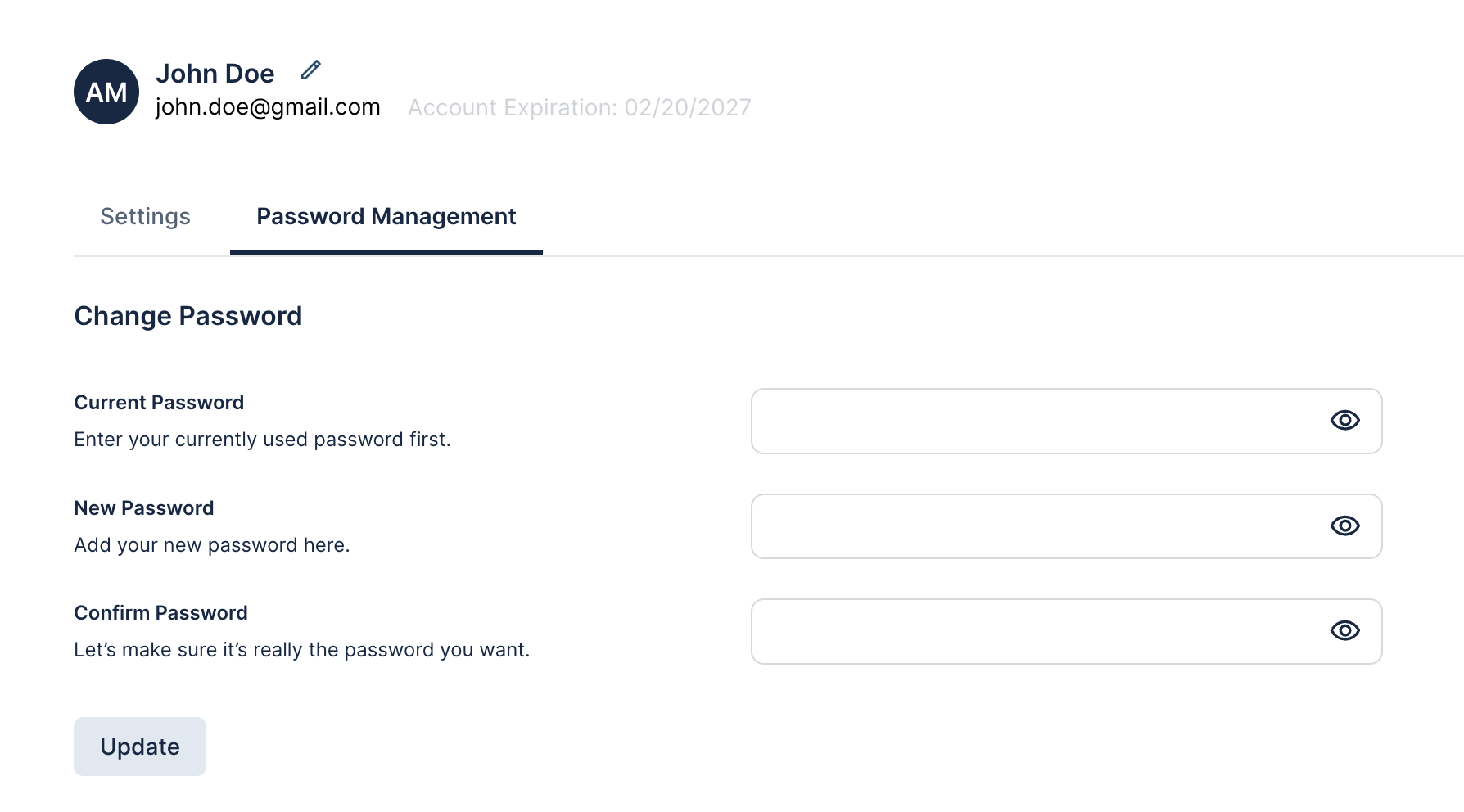
To edit your name, click the pencil icon next to your profile name.
Make your changes and save.
Changing Your Password
From My Account, go to the Password Management tab.
Enter your current password in the first field.
Enter your new password in the second field.
Confirm the new password in the third field.
Click Update to save changes.
If You’ve Forgotten Your Password
If you don’t remember your current password:
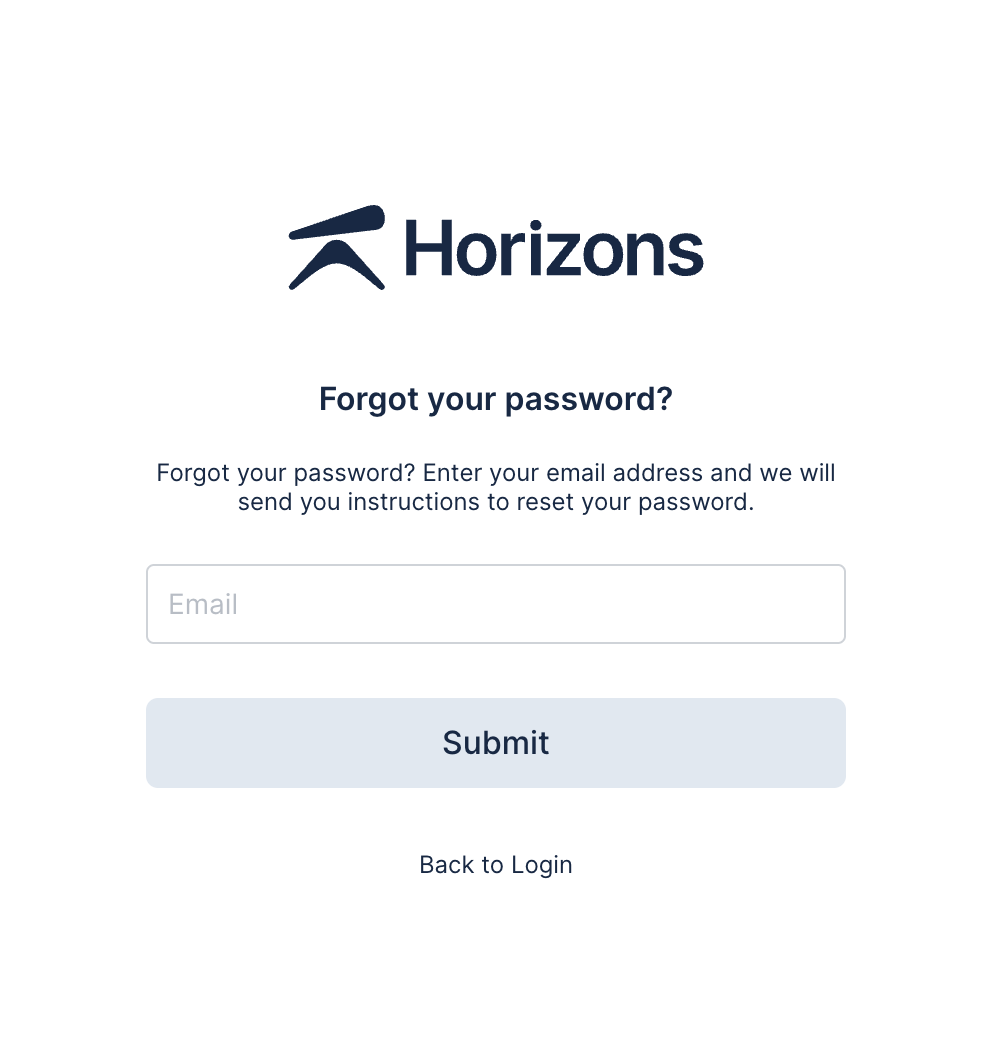
Log out of Horizons. On the login page, click Forgot Password under the login fields.
Enter your email address and follow the instructions in the password reset email.
Tip: For security, choose a strong password that’s unique to your Horizons account and avoid reusing passwords from other services.